The best dual monitor arms depend on your monitors’ size and weight, the space available on your desk, and how often you reposition your screens. These four HUANUO mounts cover compact displays, tall stacked setups, larger ultrawides, and tool free attachment, so check fit and mounting details first.
Quick Top Products
HUANUO FlowLift Dual Monitor Stand

- Fits 13–32 inch screens weighing 4.4 to 19.8 lbs per arm, with VESA 75x75 or 100x100 holes.
- Offers +85°/-50° tilt, ±90° swivel, and 360° rotation.
- Includes C-clamp and grommet mounting options with built-in cable management.
Best For: People with compatible 13–32 inch monitors who want flexible positioning and a choice of desk mounts.

HUANUO 17–32 Inch Stacked Monitor Mount
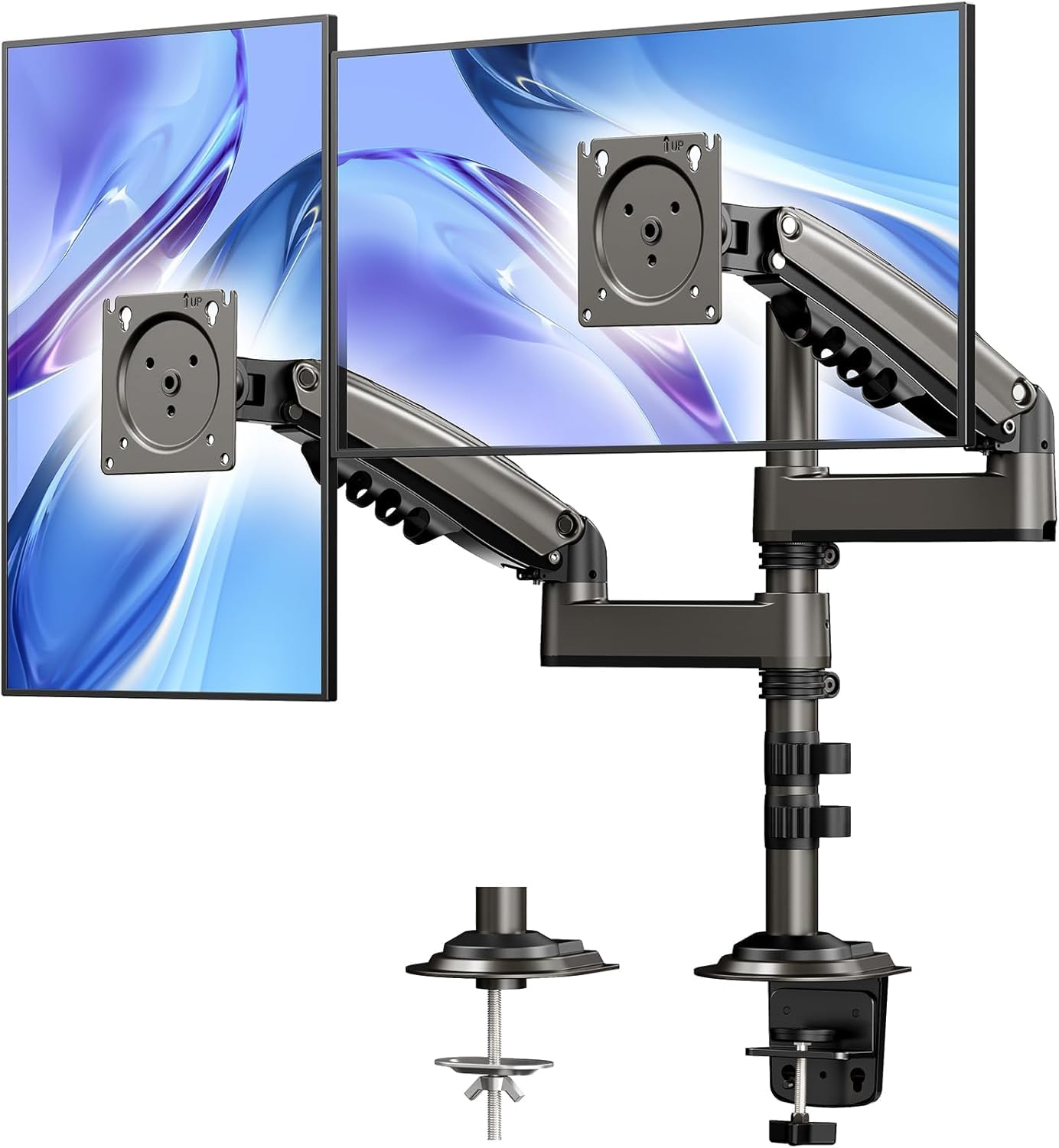
- The stacked mount raises monitors up to 25.19 inches.
- Supports screens up to 32 inches and weighing 4.4–19.8 lbs each.
- Provides 90° tilt, 180° swivel, 360° rotation, and cable management.
Best For: Users who want a vertical dual screen arrangement with extra height for work, gaming, or multitasking.
HUANUO HNDS7 Dual Monitor Stand
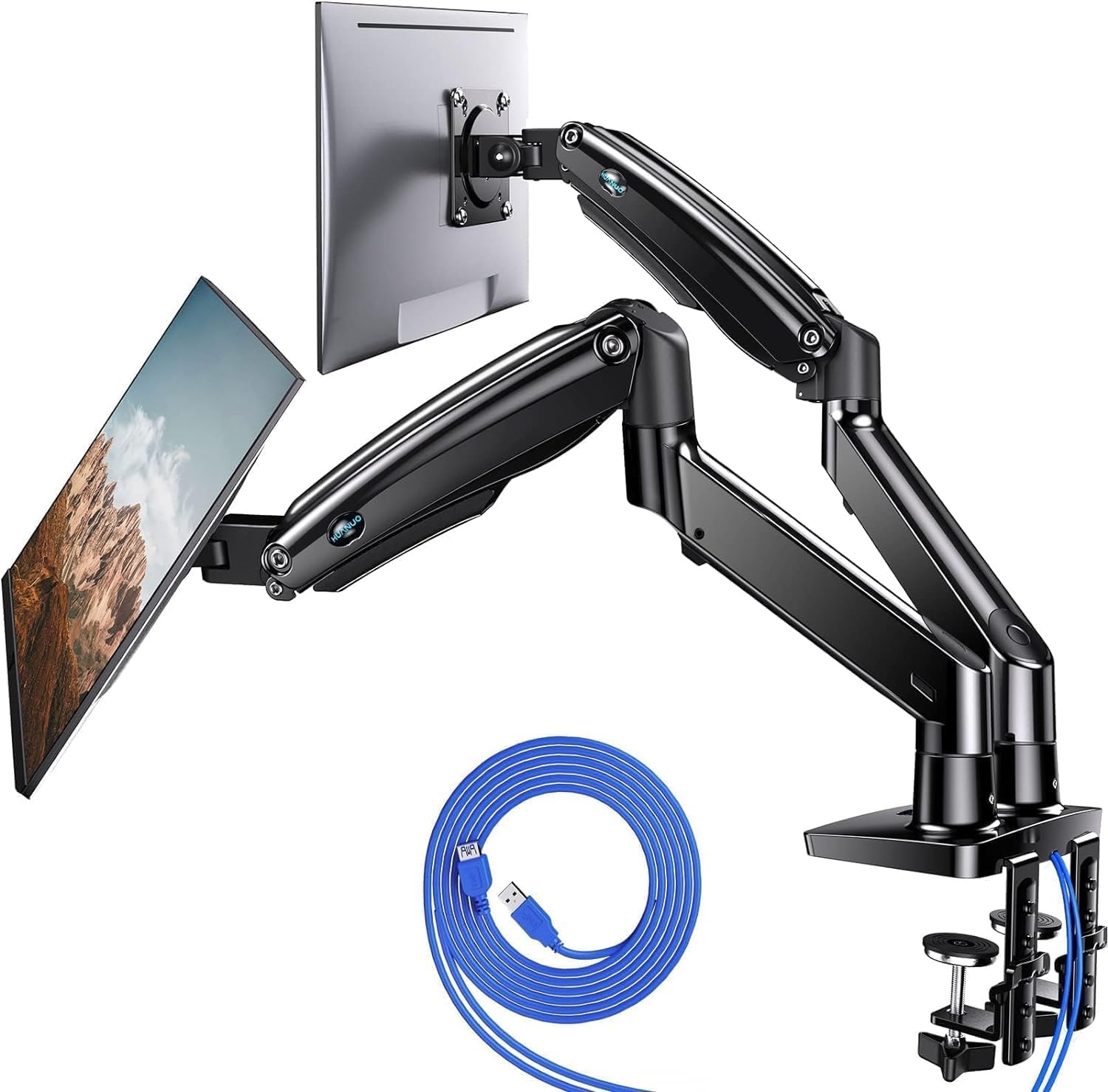
- Supports 13–40 inch displays weighing up to 26.4 lbs per arm.
- Arms rise up to 21.1 inches and extend up to 25.59 inches.
- Includes two USB ports and a 5.25 ft USB cable.
Best For: People with larger or heavier VESA monitors who value integrated USB ports and longer arm reach.
HUANUO FlowLift Pro Dual Monitor Mount
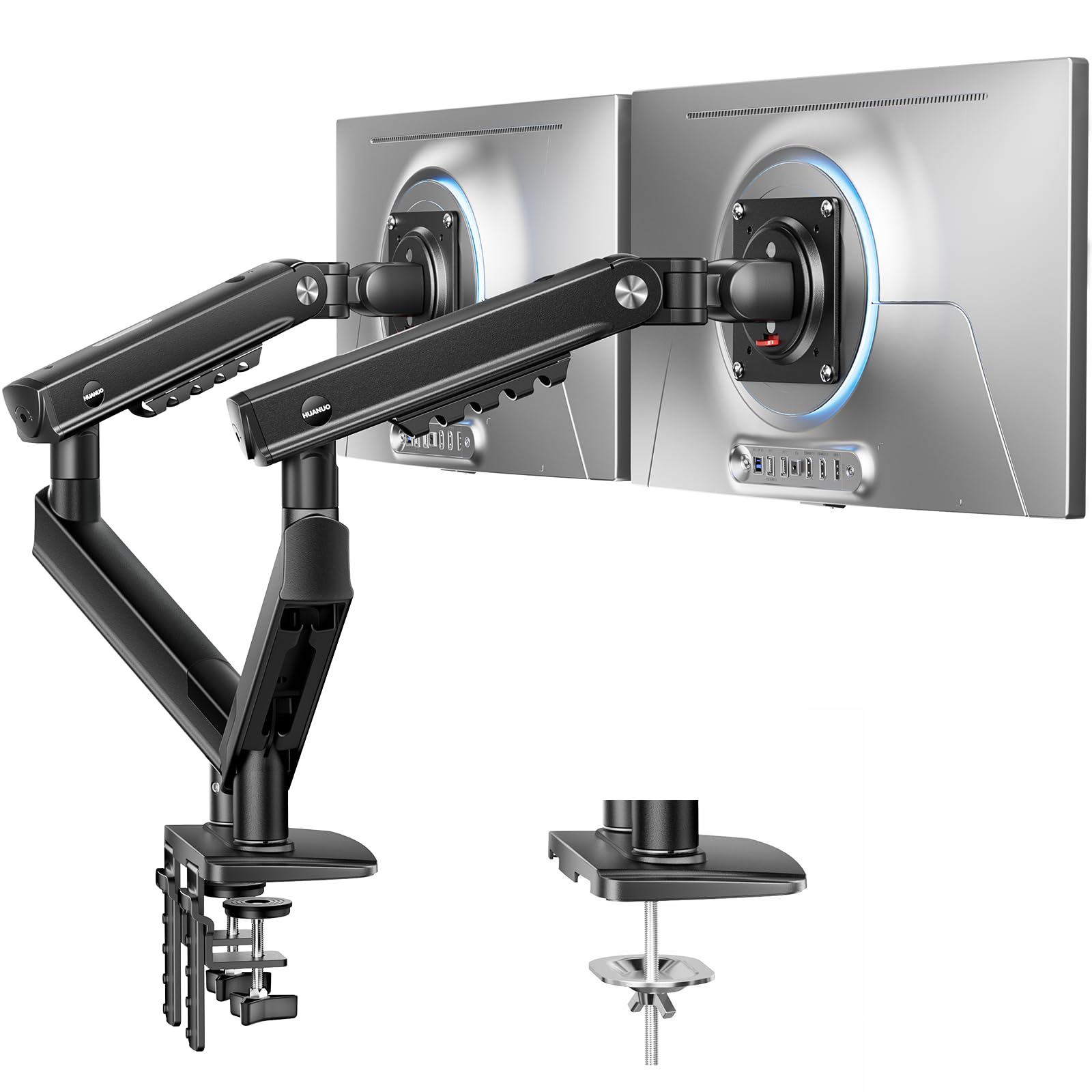
- Fits 13–27 inch monitors weighing 4.4–15.4 lbs each.
- The InstaMount VESA plate attaches without tools.
- The PrecisionView window provides visual feedback for tension adjustment.
Best For: Users with lighter 13–27 inch monitors who value quick VESA attachment and frequent fine adjustments.
Wide Movement for Everyday Desks
HUANUO FlowLift™ Dual Monitor Stand, Fully Adjustable Gaming Monitor Desk Mount for 13–32″ Computer Screens, Full Motion VESA 75x75/100x100 with C-Clamp & Grommet Base, Each Arm Holds 4.4 to 19.8 lbs
The HUANUO FlowLift supports two 13–32 inch monitors, with each arm rated for 4.4 to 19.8 lbs and VESA 75x75 or 100x100 mounting. Its arms tilt, swivel, and rotate, and the screens can be raised up to 15.75 inches.
A dual C-clamp base or grommet installation gives buyers two mounting options. Cable management runs along the arms, while lifting the screens frees desk surface for other items.
Check the desk carefully: the product notes recommend wooden desks, specify a thickness range, and warn that underside beams or panels can interfere with installation.
Best For: People with compatible 13–32 inch monitors who want flexible positioning and a choice of desk mounts.
| Pros | Cons |
|---|---|
|
|
Choose this model when your screens fit its 13–32 inch and per-arm weight range and you want substantial tilt, swivel, and rotation. Its two mounting methods offer some flexibility, but the desk material and underside clearance narrow where it can be installed.
Before buying, confirm the monitor VESA pattern, each screen’s weight, the desk thickness, and whether the clamp area is clear. The 15.75 inch maximum lift may suit a conventional side-by-side layout; buyers seeking a taller vertical setup should compare the dedicated stacked mount.
Tall Stacked Screen Positioning
HUANUO 17-32 Inch Dual Monitor Stand, Vertical Dual Monitor Mount, Monitor Stand 2 Monitors, Ergonomic Adjustable Tilt/Swivel/Rotate, Weight Max 19.8 lbs, VESA 75/100mm
This HUANUO mount is designed for two screens arranged vertically and includes a 17 inch extension that raises monitors up to 25.19 inches. It supports screens up to 32 inches, with each monitor weighing between 4.4 and 19.8 lbs and using VESA 75x75 or 100x100 holes.
The arms allow 90° tilt, 180° swivel, and 360° rotation. Cable management helps keep wires organized, and installation can use a C-clamp or grommet on a compatible desk.
Check the desk material and thickness, along with screen weight and VESA fit, before choosing this taller arrangement.
Best For: Users who want a vertical dual screen arrangement with extra height for work, gaming, or multitasking.
| Pros | Cons |
|---|---|
|
|
Pick this arm when vertical screen placement and extra lift are the main priorities. Its 25.19 inch maximum elevation and stated tilt, swivel, and rotation offer room to arrange a stacked pair, while the clamp and grommet options can suit different desk edges.
The tradeoff is that it requires careful fit checks: each screen needs the supported VESA pattern and weight, and glass desks are excluded. Confirm desk thickness and mounting clearance, then decide whether stacked screens suit your daily workflow better than arms designed for side-by-side positioning.
Heavier Displays and Built-In USB
HUANUO Dual Monitor Stand for 13″–40″, Premium Dual Monitor Mount with USB, Height Adjustable Monitor Stand for 2 Monitors, VESA Mount with Clamp/Grommet Base, Holds 26.4lbs per Arm, HNDS7
The HUANUO HNDS7 is the high-capacity option in this group, supporting two 13–40 inch screens weighing up to 26.4 lbs per arm. Its arms rise up to 21.1 inches and extend up to 25.59 inches, with tilt, swivel, and full rotation for positioning.
A larger base and dual C-clamp are paired with clamp or bolt-through grommet mounting. Two built-in USB ports connect through a 5.25 ft USB cable, and integrated cable management keeps cords organized.
Check the monitor VESA pattern and the desk thickness and grommet-hole dimensions before installation.
Best For: People with larger or heavier VESA monitors who value integrated USB ports and longer arm reach.
| Pros | Cons |
|---|---|
|
|
This is a practical match for users whose screens are larger or heavier than the other arms here support, or who want USB ports at the mount. Its long extension offers reach for deeper desks, while the higher capacity and added charging connection come with a higher snapshot price than the other supplied options.
Check each monitor’s VESA pattern and weight, plus the desk thickness and grommet opening if using bolt-through mounting. The product notes do not give a lower supported weight limit, so verify lighter displays before buying.
Tool-Free VESA Attachment
HUANUO FlowLift Pro Dual Monitor Mount for 13–27" Screens, MechaSpring Monitor Stand, Adjustable Monitor Arms for 2 Monitors with Tilt/Swivel/Rotation, Tool-Free VESA Mount, Max Load 15.4 lbs
The HUANUO FlowLift Pro supports two 13–27 inch monitors, each weighing between 4.4 and 15.4 lbs, with VESA 75×75mm or 100×100mm mounting. Its tool-free InstaMount plate is designed to snap a monitor into place, while a PrecisionView window provides a visual reference for tension adjustment.
The LockSteady system is intended to help resist sagging and allow smooth repositioning. The notes recommend installation on wooden desks 0.59–3.54 inches thick.
Check monitor fit and desk shape, particularly if the edge is irregular, before ordering.
Best For: Users with lighter 13–27 inch monitors who value quick VESA attachment and frequent fine adjustments.
| Pros | Cons |
|---|---|
|
|
Choose the FlowLift Pro if your monitors fall within its smaller size and weight range and quick VESA attachment is useful. Its InstaMount plate and visible tension indicator are distinctive setup features, while the LockSteady system is aimed at people who reposition displays or want a set position.
The tradeoff is limited monitor capacity and a wood-desk recommendation. Check the screen measurements, VESA pattern, and desk edge before purchase; the supplied details do not give specific tilt, swivel, rotation, or reach figures.
How to Choose Dual Monitor Arms
How We Picked Best Dual Monitor Arms
We selected mounts that support two displays and compared the fit details and practical use cases provided for each. The options span side-by-side adjustment, vertical stacking, higher capacity for larger monitors, and setup features such as USB ports, cable routing, and tool-free VESA attachment.
Monitor size alone is not enough to establish fit: check each screen’s weight and VESA hole pattern against the arm’s limits.
Desk attachment matters too. The supplied models use clamp or grommet mounting, but their recommendations differ on desk materials, thickness, underside clearance, and grommet opening.
Treat those details as part of the compatibility check, especially if the desk has a glass top, an irregular edge, or a support rail near the mounting point.
Comparing Dual Monitor Arms by Screen Fit and Layout
The FlowLift covers 13–32 inch screens and offers a 15.75 inch maximum lift, while the stacked HUANUO mount raises screens to 25.19 inches for a vertical arrangement. For larger displays, the HNDS7 supports screens up to 40 inches and 26.4 lbs per arm, with longer reach and two USB ports.
The FlowLift Pro is the compact choice for screens up to 27 inches and 15.4 lbs, adding tool-free VESA attachment and a visible tension indicator.
Movement figures are not interchangeable across models. Compare the stated tilt, swivel, rotation, height, and extension figures with the way you work, and check whether the arm is meant for stacked or more general positioning.
For side-by-side screens, leave enough desk and wall clearance for the arms to move; for stacked monitors, consider the added vertical space and viewing arrangement.
| Product | Standout features | Best for |
|---|---|---|
| HUANUO FlowLift Dual Monitor StandCheck Price |
| People with compatible 13–32 inch monitors who want flexible positioning and a choice of desk mounts. |
| HUANUO 17–32 Inch Stacked Monitor MountCheck Price |
| Users who want a vertical dual screen arrangement with extra height for work, gaming, or multitasking. |
| HUANUO HNDS7 Dual Monitor StandCheck Price |
| People with larger or heavier VESA monitors who value integrated USB ports and longer arm reach. |
| HUANUO FlowLift Pro Dual Monitor MountCheck Price |
| Users with lighter 13–27 inch monitors who value quick VESA attachment and frequent fine adjustments. |
Check VESA Fit and Monitor Weight Before Buying
All four mounts require VESA holes, but the monitor limits differ. The FlowLift and stacked stand specify a 4.4–19.8 lb range per screen; the HNDS7 supports up to 26.4 lbs per arm; and the FlowLift Pro lists a 4.4–15.4 lb range.
Verify the weight of each monitor, including whether its stand is removed, and match the hole spacing to the mount’s supported pattern before ordering.
Also check the desk clamp area and attachment method. The FlowLift recommends wooden desks and needs clear space underneath.
The stacked model allows clamp or grommet installation but excludes glass desks. The HNDS7 gives a grommet diameter range, while the FlowLift Pro recommends a wood desk and cautions about irregular edges.
Choosing an Ergonomic Dual Monitor Arm Setup
Height and movement determine whether a dual monitor arm fits a particular workstation. The FlowLift raises screens up to 15.75 inches; the stacked model reaches 25.19 inches; and the HNDS7 reaches 21.1 inches high with extension up to 25.59 inches.
Consider the monitor layout, desk depth, and whether you need to move screens regularly or keep them in a fixed position.
Cable management appears on all four mounts. If desk clutter is a concern, compare how that feature fits with other priorities: the HNDS7 adds two USB ports, while the FlowLift Pro adds a tension indicator and quick attachment plate.
These features change setup convenience, but they do not replace checking the monitor and desk fit.
Who Should Buy Which Dual Monitor Arm
Choose the FlowLift for 13–32 inch screens when its range of motion and clamp or grommet options fit your workstation. Choose the stacked HUANUO mount when vertical arrangement and extra height matter most.
The HNDS7 is the fit to consider for displays up to 40 inches or 26.4 lbs per arm, especially if built-in USB ports and longer reach are useful.
Choose the FlowLift Pro for smaller, lighter monitors when tool-free VESA attachment and visible tension adjustment appeal to you. Before any purchase, confirm both screens’ size, weight, and VESA pattern, then check desk material, thickness, underside clearance, and the chosen mounting point.
Those checks help narrow the options to an arm that suits both your displays and your desk.